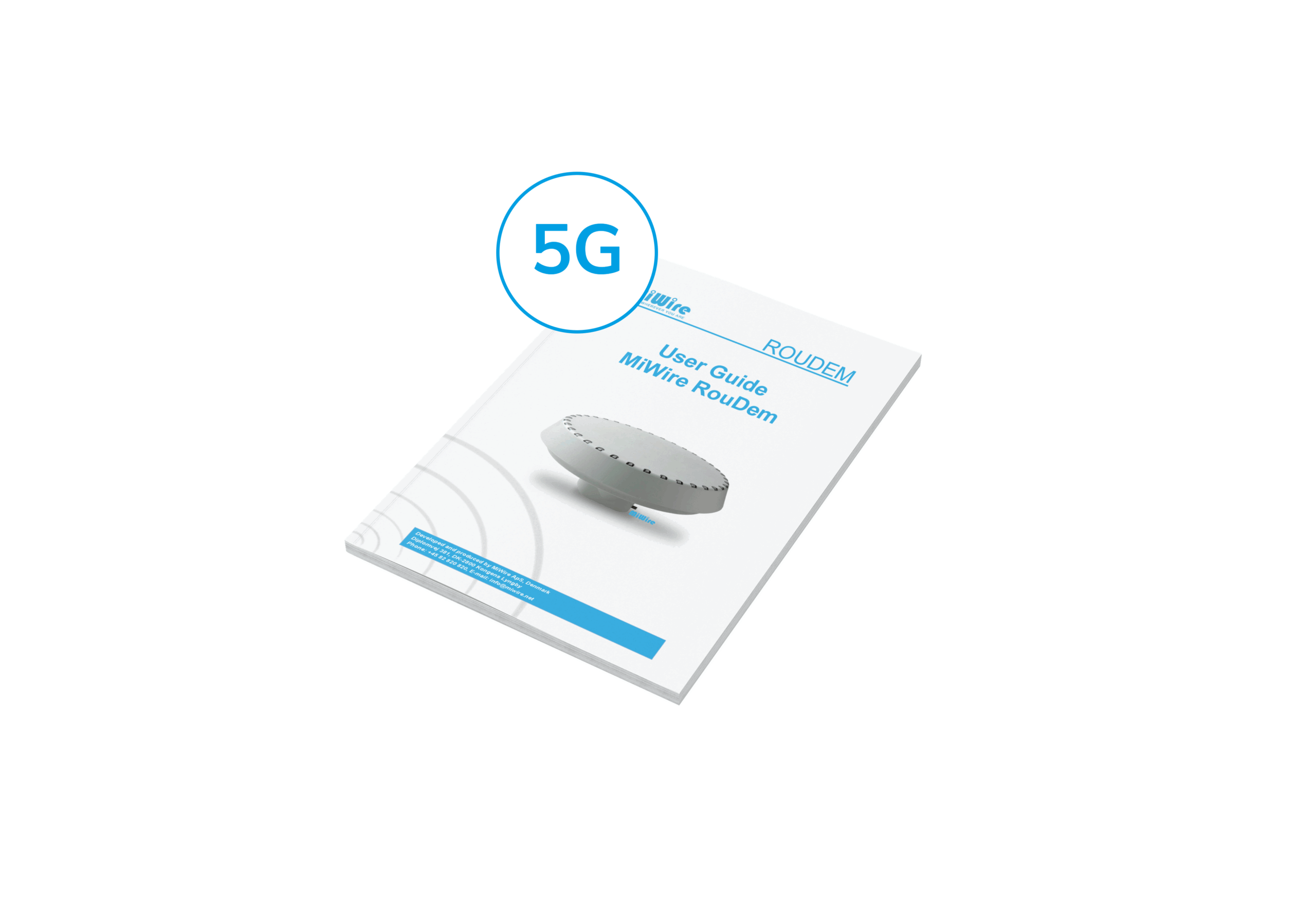
MiWire RouDem is a combination of an auto-rotating, directional antenna
and a modem that provides Internet connection via the mobile network. The
RouDem is a plug-n-play solution and will automatically point the antenna in
the direction of the best operator base station.
The connection to the Internet is obtained via a data SIM card, which you in-
sert into the RouDem. The RouDem is prepared for outdoor installation at the
highest spot possible on a standard antenna pole. Additionally, the RouDem
has an integrated WiFi router and battery giving over 8 hours of operation.


Insert the micro-SIM card and the eternet cable

Pass the cable through the cable gland

Affix the mounting bracket to the RouDem

Tighten the mounting bracket to a Ø38mm pole.
Find out what it takes to get online with MiWire RouDem.
RouDem is a wireless broadband solution and therefore for the RouDem to receive signal you must insert a SIM card with data. The data subscription is a side purchase to the RouDem. To gain the best speed with RouDem it is essential to choose a data subscription from that operator who has the best coverage conditions on your location. Read more about the data subscriptions in our FAQ.
The package content includes 10 m cable. Depending on the installation scenario it might be necessary to purchase another cable with the suitable length for the intended installation. Download the product sheet to get an overview of the system configuration.
Cable specifications:
Network cable type: Cat6 or above, UV- and water resistant, shielded, grounded.
Connector 1 & 2: RJ45 (male)
The RouDem is designed with a mounting bracket that interfaces to a pole of Ø38mm/1.5” (outer diameter). The mounting should take place at the highest spot possible and where possible with a good all-round view.
In some cases, the WiFi signal from the RouDem is not strong enough to cover the needs if the WiFi signal must pass through walls and other signal noise reducing items. You can connect the RouDem to your existing WiFi system or a switch via the LAN port in the power supply. In that way you can easily distribute the WiFi signal to where it is needed.
Below you will find the MiWire solutions: MiWire RouDem and MiWire Pro. The solutions are land-based and meant for people with every need - whether it being working from home and needing a fast connection, or streaming a movie needing stability. MiWire can ensure connectivity for all purposes.


LTE-Advanced CAT6 with 2×CA and 2×2 MIMO
Long-range directional antenna with automatic rotation for optimal signal
Built-in Wi-Fi (2.4 GHz, up to 300 m coverage)
Integrated battery for up to 8 hours operation
Rugged IP55 dust- and spray-proof
Web-based management with advanced network tools
1 × MiWire RouDem 4G (CAT6)
1 × Mounting bracket
1 × PoE adapter
1 × 10 m Ethernet cable
1 × Back plate
2 × Keys (Unbraco 4 & Torx 10)
5 × Screws
1 × User guide
1 × Privacy policy
Antenna: Directional (3–10 dBi @ 800–2700 MHz), omnidirectional (3–4.5 dBi)
Rotation: Infinite rotary motor for automatic pointing
LAN: 1 × RJ-45 (10/100 Mbps)
SIM: 1 × Micro-SIM 3FF slot
Wi-Fi: IEEE 802.11 b/g/n (2.4 GHz, 300 Mbps, up to 300 m coverage)
Battery: Lithium-ion, up to 8 hours operation
Power: Passive PoE 22–48V, max. 500 mA, 24W AC/DC adapter
Environmental: IP55, operational temp. -20°C to 80°C
4G LTE-FDD/TDD: B1, B3, B5, B7, B8, B20, B28, B32, B38, B40, B41
3G WCDMA: B1, B3, B5, B8
MiWire RouDem delivers stable, high-speed internet where conventional equipment falls short. It’s ideal for both permanent and temporary installations that demand long range, flexibility, and robust performance.
Remote Homes & Cabins: Reliable internet access in areas without fixed broadband.
Mobile Work Units: Stable connectivity for service and maintenance teams in the field.
Emergency & Rescue Units: Rapid deployment of internet during response operations or emergencies.
Events & Temporary Sites: Provides network coverage for festivals, construction sites, and sports events.
5G NR, LTE-A & 3G global coverage
Long-range directional antenna with automatic rotation for optimal signal
Built-in Wi-Fi 5 (2.4 GHz & 5 GHz)
Integrated battery for minimum 1 hour operation without external power
Rugged IP55 dust- and spray-proof
Web-based management and advanced network toolsA
1 × MiWire RouDem 5G
1 × Mounting bracket
1 × PoE adapter
1 × 10 m Ethernet cable
1 × Back plate
2 × Keys (Unbraco 4 & Torx 10)
5 × Screws
1 × User guide
1 × Privacy policy
Antenna: Directional (0.7–8 GHz, 3–11 dBi gain), omnidirectional options
Rotation: Infinite rotary motor for automatic pointing
LAN: 1 × RJ-45 (10/100/1000 Mbps)
SIM: 1 × Micro-SIM 3FF slot + eSIM (cannot be used simultaneously)
Wi-Fi: IEEE 802.11 a/b/g/n/ac Wave 2 (400 Mbps @ 2.4 GHz, 866 Mbps @ 5 GHz)
Battery: Lithium-ion, min. 1 hour operation
Power: PoE 802.3af, 48V, max. 500 mA, 24W AC/DC adapter
Environmental: IP55, operational temp. -20°C to 80°C
5G NR NSA & SA: Wide band support incl. n1, n2, n3, n7, n20, n28, n38, n40, n41, n48, n66, n70, n77, n78, n79
4G LTE-FDD/TDD: B1, B2, B3, B7, B20, B28, B38, B40, B41, B42, B43, B48, B66
3G WCDMA: B1, B2, B4, B5, B8, B19
GNSS: L1 & L5 bands
MiWire RouDem delivers stable, high-speed internet where conventional equipment falls short. It’s ideal for both permanent and temporary installations that demand long range, flexibility, and robust performance.
Remote Homes & Cabins: Reliable internet access in areas without fixed broadband.
Mobile Work Units: Stable connectivity for service and maintenance teams in the field.
Emergency & Rescue Units: Rapid deployment of internet during response operations or emergencies.
Events & Temporary Sites: Provides network coverage for festivals, construction sites, and sports events.
1) Select and test the location
Before final installation, test the RouDem outdoors at the highest point and as close as possible to the planned permanent location. For performance testing, connect the antenna directly to a computer with the Ethernet cable and run a speed test. The built-in battery allows testing without the power supply; if the battery is empty, connect the computer to the LAN output on the power supply instead.
3) Mount the unit
Install the RouDem horizontally on a Ø38 mm / 1.5" pole using the supplied mounting bracket. Ensure it has a clear all-round view and is positioned away from interference sources.
4) Route the cable
Use high-quality, shielded, and weather-resistant Ethernet cable for the connection between the antenna and the power supply or network equipment. Avoid running the cable alongside high-interference electrical lines.
5) Power up
Connect the Ethernet cable to the PoE adapter or power supply, then plug into AC power. The RouDem will power on automatically.
6) Connect and configure
Access the RouDem via Wi-Fi or Ethernet and open the web interface to adjust settings if needed, such as APN configuration, or to calibrate the compass.
7) Secure and finalize installation
Once testing and configuration are complete, secure all components, ensure weather seals are in place, and register the product for service and support.
Many have heard of a directional antenna that you have to manually rotate toward an operator base station. Many have also heard of systems in which you can transform 3G, 4G and 5G to a WiFi hotspot. MiWire took these components, and made it intelligent. We invented an auto-rotating, directional antenna with a built-in modem and advanced software algorithm.
And how does this differentiate to standard options? With the auto-rotating directional antenna we avoided users needing to be experts to find the best operator base station and manually point the antenna towards it. With the built-in modem, we avoided signal loss in cables. And with the advanced software algorithm we made our RouDem intelligent: it scans and memorizes the network infrastructure, so when changes in the network are made, it automatically connects to another base station.
We hold three different patents on this invention, and it ensures that people living and working at the edge of the mobile network with no alternatives to gain internet access, do not have to suffer from slow data speed.
MiWire is our company name, and it also became our first brand. The MiWire brand holds our land-based solutions, which was our first product line and mainly fixed installations. Our SeaWire brand was then developed from the land-based solutions. First, we needed to improve the RouDem to a IPX6 rating for it to withstand the environment of the sea. We further developed the hardware and the software systems, thus enabling the RouDem to become more dynamic for the constant mobile use all around the world. To support this, we developed the GlobalWire data subscription, which is a subscription for a SIM-card with operators all around the world, which is ideal for a seafarer.
You know the solutions are for you, when a fast and stable internet connection is important for your personal or professional life. When you live or work at the edge of the mobile network coverage. When you constantly have a bad internet connection, no matter how much you do to improve. MiWire offers you cost-efficient solutions that provide fast and stable internet connection - wherever you are. Simple as that.
When choosing between a single-unit solution and a Pro solution (two units + a control unit), consider these key factors:
Conclusion: For medium-to-large corporations and maritime installations, the Pro version is the recommended choice to ensure maximum uptime and coverage.
Are you considering a purchase of our solutions? Then here is how you do:
Please find answers to more questions on our FAQ-site.


Contact us for more information.

Diplomvej 381
2800 Kongens Lyngby
Denmark
+ 45 82 820 820
info@miwire.net
MiWire Group ApS, DK44555395